
The starter guides 02
How to track calories without making food complicated
A practical guide to labels, portions, meal logging and the strengths and limits of each tracking method.
In this guide
What calorie tracking can tell you
A calorie log adds up the estimated energy in your food and drinks. It can show which meals you repeat, how portions change and what contributes to a day’s total. It cannot tell the whole story of your health or decide whether a food belongs in your life.
You can learn without counting every number. A written food diary or a record of portions may be enough for your purpose. NIDDK describes several ways to record food and notes that measuring does not need to become a lifelong task.
If you want the background first, read how weight loss works. This chapter is about the recording method, not choosing a calorie limit.
Start with the amount you actually ate
A portion is the amount you choose to eat. A label’s serving size is the amount its nutrition information refers to. They may be different. Serving size is not an instruction to eat that amount. FDA explains how to read serving information.
g means grams, a unit of weight. ml means milliliters, a unit of volume. A kitchen scale measures grams; a measuring jug can show milliliters for a drink or other liquid.
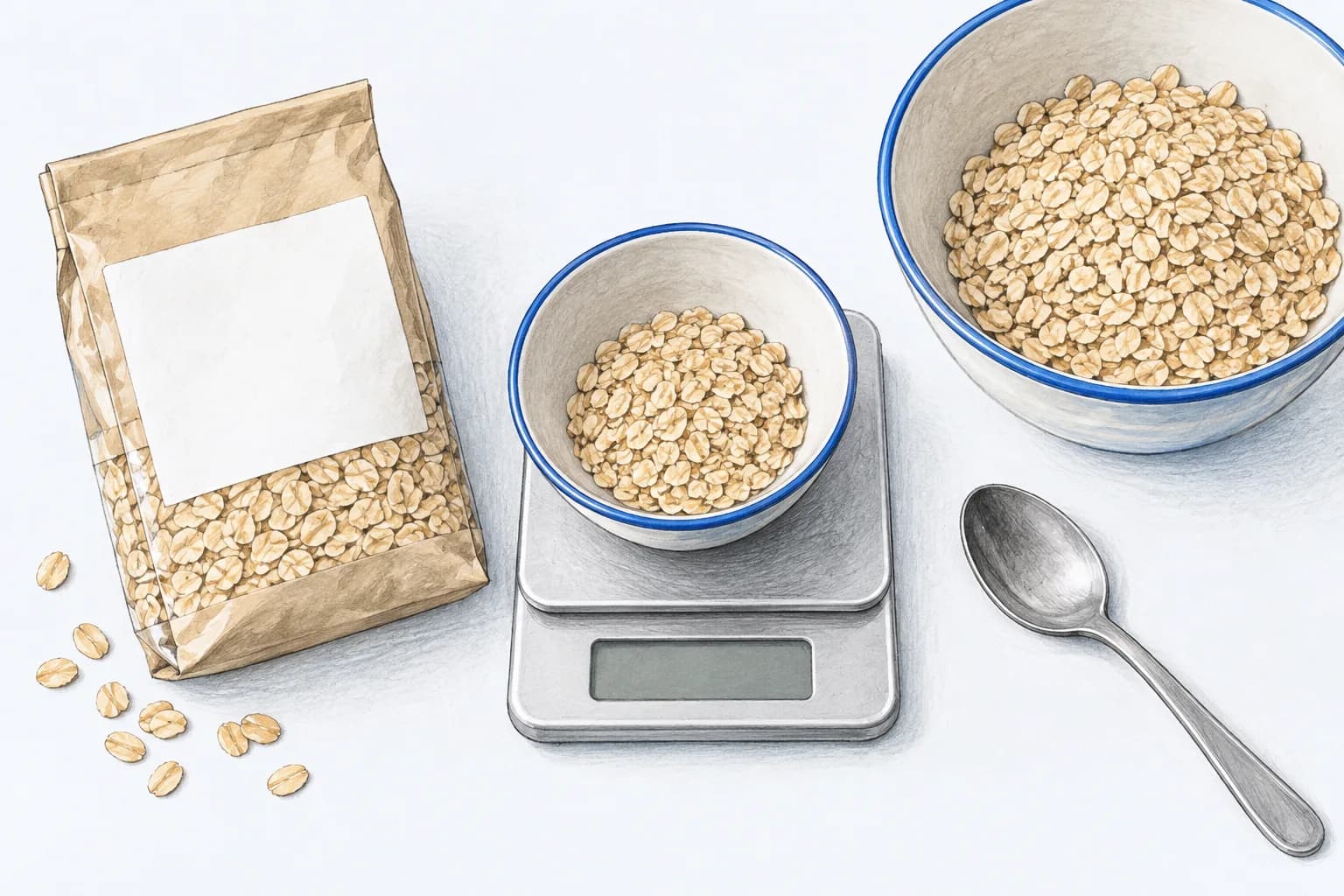
Some labels show a serving, others show 100 g or 100 ml, and some show both. Use the relevant amount. If a pack contains two servings and you eat it all, record two, not one. The 2,000-calorie reference on many labels is not a personal daily target. See FDA’s label-reading guide.
Match preparation too. Use a cooked-food entry for a cooked portion and a raw or dry entry when you weighed the food that way. Do not put a cooked rice weight into a dry rice entry. For a recipe, record ingredients consistently, then divide the recipe by the share you actually ate.
Log one ordinary meal, step by step
Here is a fictional lunch used only to demonstrate the process. The amounts are not a recommended meal plan, and the calorie values are invented examples, not a nutrition reference for these foods.
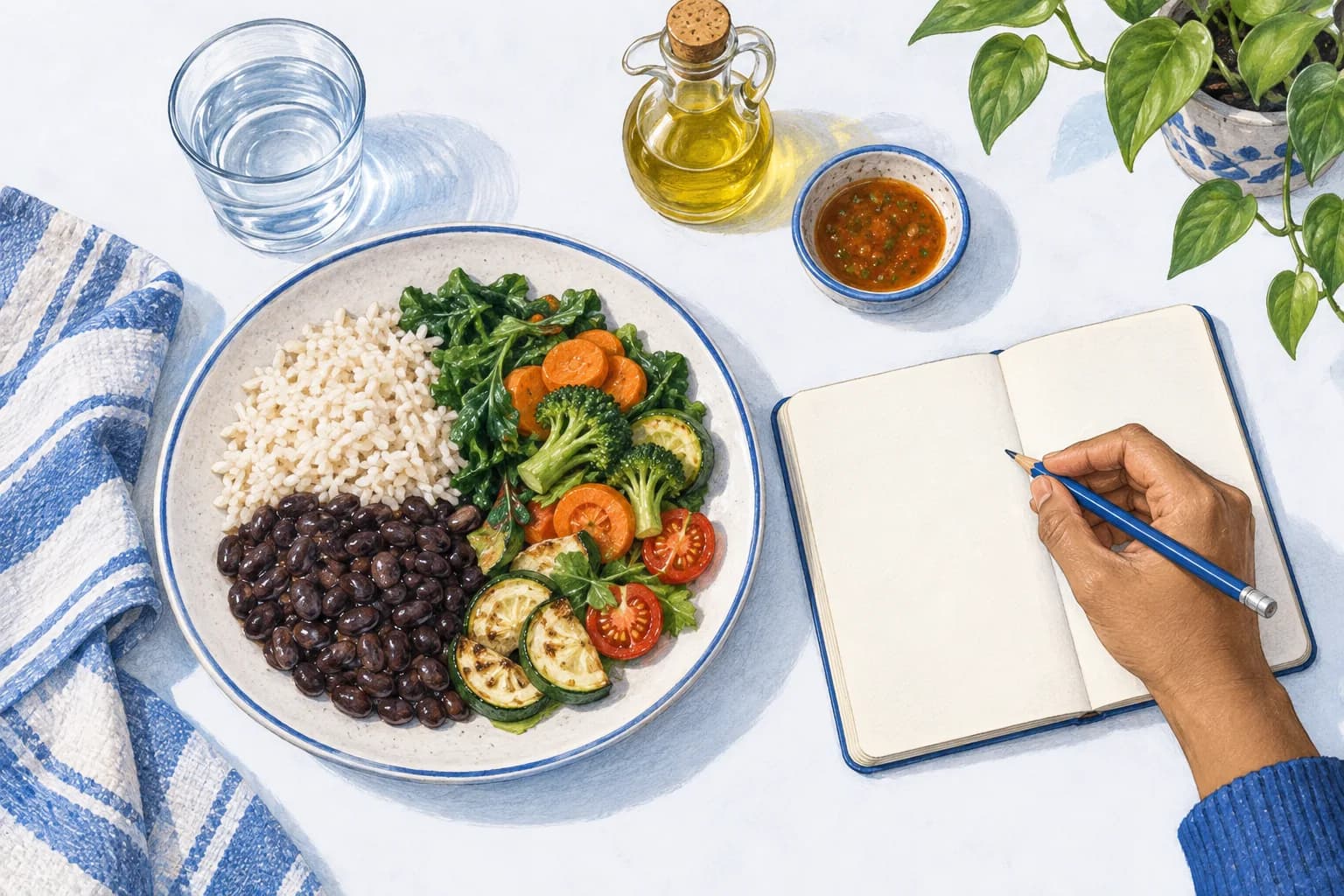
- Name the main ingredients. This example has cooked rice, cooked beans and vegetables.
- Find matching entries. Use the actual product label where available. Otherwise, choose a database entry with the right food and preparation.
- Set the portions. Check grams, milliliters or the serving measure. A default “one serving” may not match your plate.
- Add the rest. Include the share of cooking oil, the sauce and the drink. For shared cooking, divide the ingredients among the portions served.
- Review and save. Check the entries and the amounts before accepting the total.
Scroll across the table to see all columns.
| Item | Amount recorded | Example energy |
|---|---|---|
| Cooked rice | 100 g | 130 kcal |
| Cooked beans | 120 g | 200 kcal |
| Vegetables | 150 g | 60 kcal |
| Cooking oil, this portion’s share | 5 g | 45 kcal |
| Sauce | 20 g | 35 kcal |
| Water | 200 ml | 0 kcal |
| Total | All six entries | 470 kcal |
130 + 200 + 60 + 45 + 35 + 0 = 470 kcal. Plain water adds no calories. A drink containing sugar or milk would need its own entry. Use your actual labels and food matches when recording your meal.
Choose your recording method
Portion-based habits, without calorie totals
You can notice the foods and amounts in a usual meal, plan regular meals and adjust portions without adding up calories. This involves less recording, but does not give a numerical energy total. NIDDK’s portion guide describes ways to learn about amounts and use a food diary.
Paper or a spreadsheet
You control the format, and a notebook needs no account. The trade-off is finding nutrition information and doing the sums yourself. It works well if you want to understand a few usual meals rather than browse many features.
Manual entry in an app
Search for food, adjust the amount and let the app add it up. Saved meals can reduce repeat work. You still need to check the entry, units and preparation; similar names do not always mean the same product.
A barcode scanner
A barcode helps find a packaged product’s entry. It does not measure your portion. Check the product and label, then set how much you ate. Scanner access may require a paid plan, depending on the app.
A meal photo
A photo can offer a starting estimate when manual entry feels slow. Review ingredients and portions, and add anything not visible in the photo. Do not assume that a camera can establish the exact recipe or the amount of oil used.
These methods can be combined. A usual breakfast might use a saved meal, a packaged snack a label and a restaurant dinner an estimate. See the app comparison for current feature and payment differences.
Allow for uncertainty
Home recipes, serving sizes and restaurant meals introduce uncertainty. A detailed-looking result is still only as useful as the food match and amount entered. Mark an uncertain meal as an estimate in your own notes instead of adding pretend precision.
If you are eating out, use published nutrition information when available. Otherwise, choose a reasonable matching meal, include drinks and additions, and move on. Spending an evening trying to distinguish two nearly identical entries may not help your purpose.
If the record feels wrong, check units, duplicated entries and raw versus cooked choices first. Review your own logging routine before making a large change to a food target.
Make the second meal easier
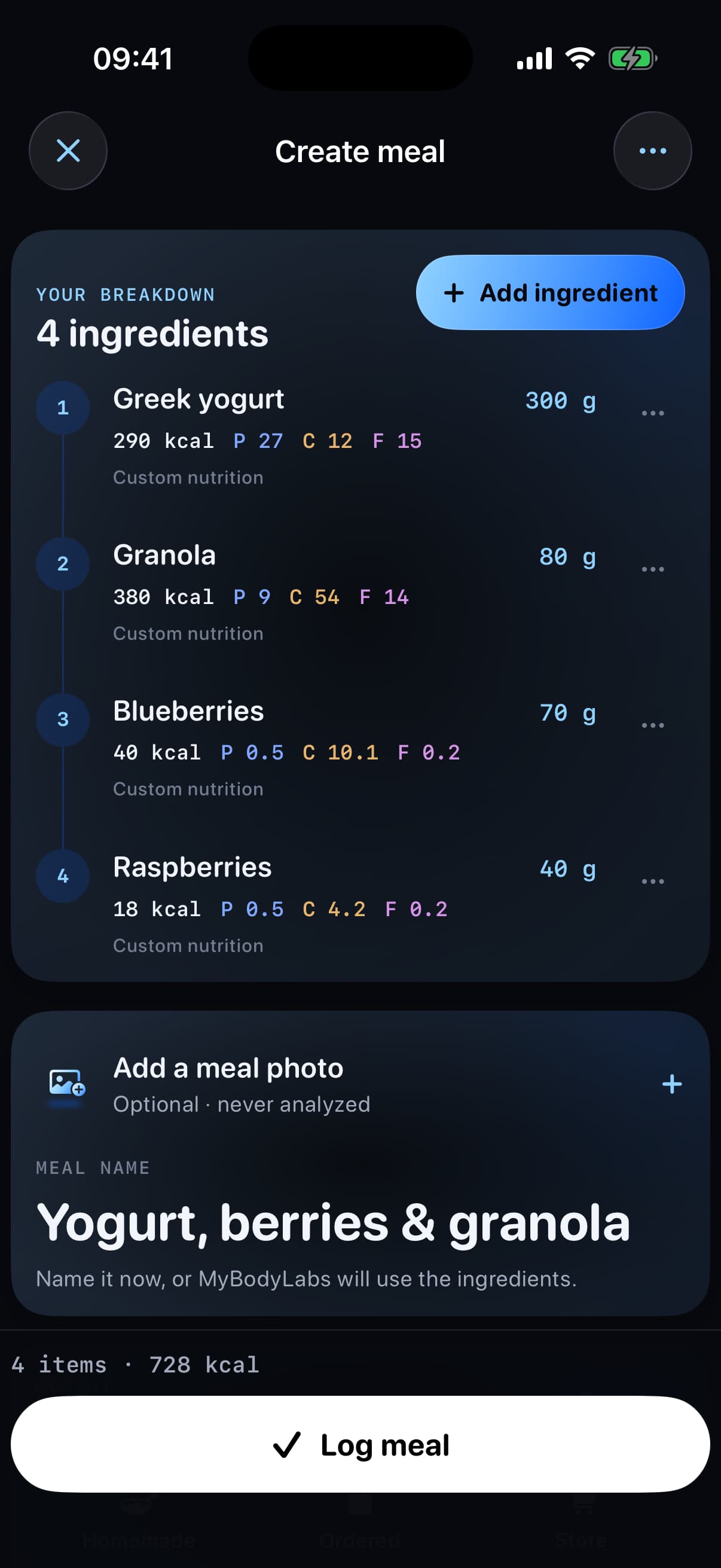
Save a meal you eat often, then change its portions the next time instead of rebuilding it. Keep your usual units consistent. You can record close to the meal if that helps you remember what was there.
MyBodyLab’s free manual food tracking lets you build meals, review calories and macros, and use Log again for a usual meal. It also includes gym logging if you want food and training in the same app. See the current MyBodyLab App Store listing.
Common questions
Try the portion example: what would 150 g contain?
For the fictional label with 200 kcal per 100 g, 150 g is one and a half times the label amount: 200 × (150 ÷ 100) = 300 kcal. The amount eaten changes the total even though the food is the same.
Do I need a kitchen scale?
No. A scale can help you learn portions, but a package amount, a usual measure or a clearly labeled estimate can also be useful. Choose the level of detail that fits your purpose.
Does scanning a barcode log the whole package?
Not necessarily. Check the serving amount that appears and change it to what you ate.
Can I keep this simple?
Yes. Start with one meal you know well. Once the process makes sense, choose a calorie tracker based on the task you actually want it to do.